vibe-viewer
For renamed products, supported legacy commands, and unchanged package/state identities, see the naming compatibility guide.
Open a quantum-chemistry result and look at it. In a browser, a native desktop window, a terminal over SSH, a headless figure pipeline, or Python.
vibe-viewer reads QVF calculation archives and a set of common structure and volume formats. It is a standalone tool: installing it does not install or build vibe-qc. vibe-qc is one QVF producer among others, and none of them is required to run the viewer.
ORCA users: an ORCA calculation opens as one dataset: the structure, orbitals, vibrations with IR, Raman and VCD, the UV-Vis, ECD and MCD spectra and the properties from its companion result files. The viewer also prepares an ORCA input from an edited structure and submits it through vq, and two worked tutorials ship with it: water end to end and Raman and VCD along normal modes.
Tip
This manual describes the current source, with package version 3.0.2, Levinthal’s Lynx. Source updates may precede packaged installers; see the roadmap and changelog for released scope.
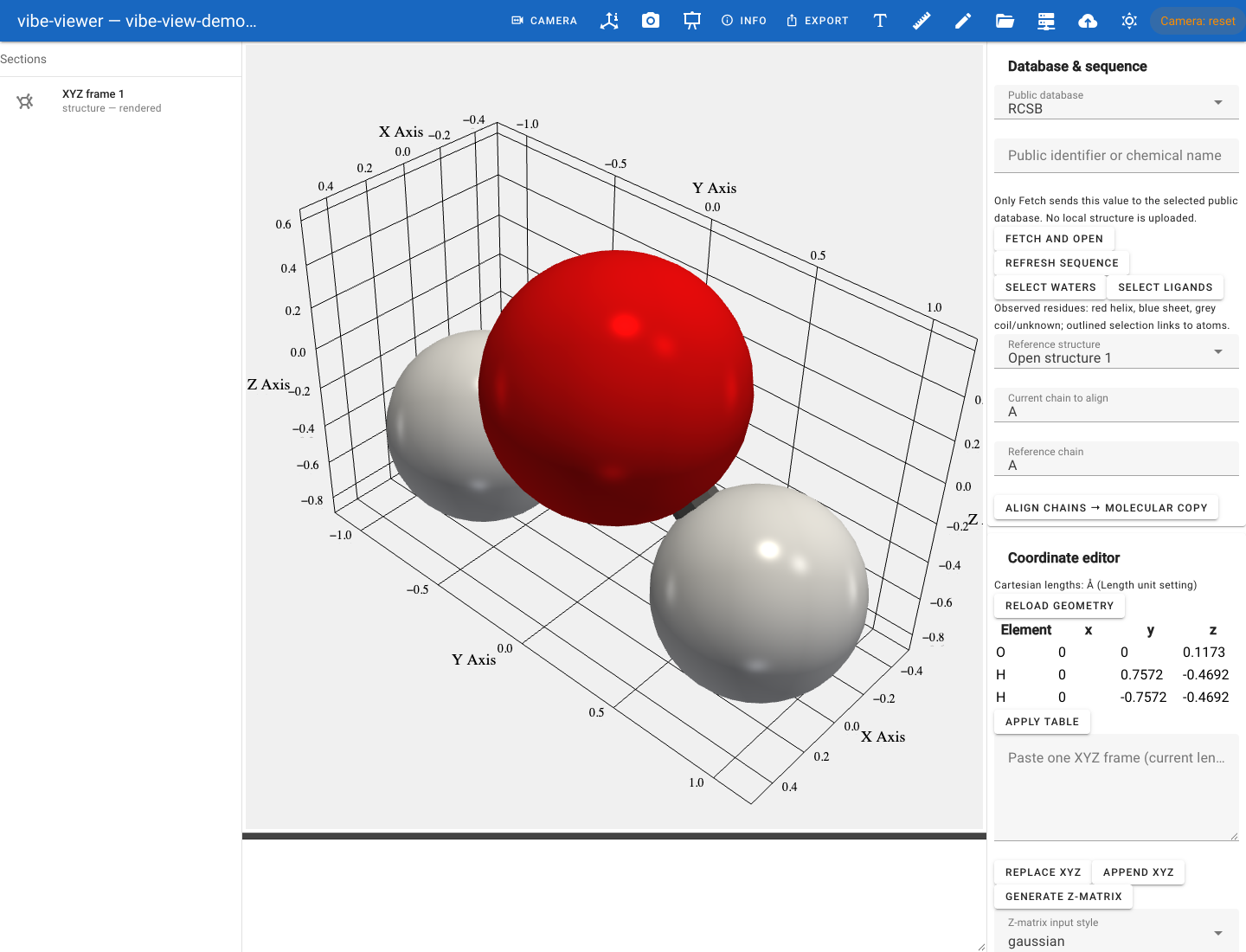
Open the built-in water demo in the quickstart.
Start here
Python 3.12+, one script, no compiler. Which optional extra buys you what.
A first successful view, with a bundled molecule, expected output and commands you can run in sequence.
Panel by panel: structures, densities, orbitals, spectra, bands, and the same file in the terminal and from Python.
Build a structure, set its geometry exactly, inspect surfaces and interactions, make a figure and prepare the calculation.
Every command, grouped by what you are trying to do.
Open a calculation with its companions, view orbitals, vibrations and spectra, then prepare and submit the next input.
Install on a login node, run vq with no queue, SLURM or PBS, and submit calculations from the viewer.
Figures, tables and exports for a directory of results, with no window.
Choose how to use the viewer
Choose a surface for the task and the machine you have. They read the same archive, but differ in interaction, rendering and export support. Browser and desktop use the interactive 3-D scene; the terminal uses a text rasterizer; PNG capture uses an offscreen renderer. Camera and material settings need to be matched when comparing images.
Surface |
Command |
Needs |
Good for |
|---|---|---|---|
|
|
Interactive exploration, editing, the vq job panel |
|
|
|
A native window with the OS menu bar |
|
|
|
A login node with no display server, GL or X forwarding |
|
|
Core install only |
Figures for a paper, CI artifacts, batch pipelines |
|
|
Core install only |
Notebooks, scripts, anything programmatic |
vibe-viewer show is worth singling out: it renders a real 3-D view, atoms,
bonds and isosurfaces, as Unicode braille, needs no OpenGL context at all,
and therefore works anywhere a shell does.
What are you trying to do?
Task |
Start here |
What you will produce |
|---|---|---|
Try the viewer without running a calculation |
A water archive and its browser or terminal view |
|
Turn an XYZ file into a result you can share |
A validated QVF, image and exported geometry |
|
Explore an ORCA calculation |
One dataset with structure, orbitals, spectra and properties, plus a shareable QVF |
|
Run water through ORCA and vq |
Tested inputs, downloadable results, orbitals, animated vibrations, IR and reference values |
|
Understand a density or orbital |
A view with a chosen section, sign and contour |
|
Inspect TD-DFT excited states |
A table of states with their energies, strengths and orbital contributions, and the transition orbitals they link to |
|
Set up the viewer and vq on a cluster, with or without SLURM or PBS |
A working viewer on the login node and a queue that submits to the batch system |
|
Prepare and submit a calculation, or add a program |
A registered program, a submitted job and its results in the viewer |
|
Use vibe-viewer with vibe-sketcher and vibe-qc |
A drawn molecule calculated with vibe-qc and inspected in 3-D |
|
Draw a molecule and open it in 3-D |
A structure with its charge and multiplicity, ready to edit or calculate |
|
Build a molecule, peptide, nucleic acid or metal complex |
A starting geometry with explicit connectivity, ready to refine |
|
Set a bond length, angle or dihedral exactly, or edit coordinates as numbers |
A prepared geometry, a Z-matrix or a coordinate block |
|
Show surfaces, hydrogen bonds and contacts |
Surfaces with area and volume, and an interaction table |
|
Look at an experimental density map |
A map at a sigma level, zoned around a ligand |
|
Make a labelled figure or a morph movie |
A figure with labels, overlays and a colour key, or a movie |
|
Compare and align several models |
An aligned scene with measurements and a replayable script |
|
Inspect a result on a remote machine |
A text view or an interactive terminal session |
|
Inspect a protein or crystal |
Chain, residue or unit-cell views |
|
Automate a directory of results |
Metadata, tables and reproducible exports |
|
Diagnose missing data or a blank view |
The distinction between absent data and a rendering problem |
Documentation
Getting started
- Installation
- Choose an installation route
- What you need for a source installation
- Install from a checkout
- Source archives and downloads
- Installation profiles
- Optional extras
- Windows
- Desktop integration (macOS)
- Updating
- Repair and removal
- Building a wheel locally
- Comparing lifecycles across the toolset
- Launcher records
- Quickstart
- From input to a shareable result
- Correlated reaction endpoint analysis
- ORCA: from calculation to one viewer dataset
- 1. Prepare the viewer and ORCA results
- 2. Open the whole calculation
- 3. Inspect the structure and properties
- 4. View molecular orbitals
- Harmonic vibrations, IR, Raman and VCD
- 5. Explore electronic spectra and MCD
- 6. Save a reusable QVF
- 7. Work on a compute node or make a figure
- Build and pre-optimise an ORCA starting geometry
- Prepare, save and submit an ORCA input
- Several calculations and Compound jobs
- Troubleshooting and current limits
- Worked example: water through ORCA and vq
- Worked example: Raman and VCD through ORCA and vq
- A tour of the viewer
- 1. Something to look at
- 2. Open it
- 3. The structure
- 4. Density and difference density
- 5. Orbitals: stored and on demand
- 6. Charges
- 7. Vibrations and the IR spectrum
- 8. Trajectories and reaction paths
- 9. Convergence and provenance
- 10. A periodic file
- 11. Two files at once
- 12. Save the views you found
- 13. The same archive, elsewhere
- Where next
- Build, inspect and present
- What vibe-viewer can show you
Calculations and clusters
The surfaces
- The browser viewer
- Launch options
- The startup banner
- What is on screen
- The Display card
- Measuring
- Clip plane
- Section by section
- Bookmarks, sessions and presentation mode
- Screenshots, video and high-quality renders
viewer_defaults: hints from the producer- Opening files from inside the viewer
- When something looks wrong
- Building, inspecting and presenting
- Building and editing structures
- Edit mode
- Set exact distances, angles and dihedrals
- Edit bonds explicitly
- Drag atoms and selections
- Detect molecular symmetry
- Save coordinates and break symmetry
- Displace along a normal mode
- Fragments and hydrogens
- Sketching a molecule in vibe-sketcher
- Building from a name or a SMILES string
- Live optimisation while you build
- Periodic structures
- From structure to calculation
- What the file on disk sees
- Terminal mode
- The desktop app
- Figures without a display
Building, inspecting and presenting
Data and formats
Reference
- CLI reference
- Python SDK
- Jobs and live results
- Queue integration — the
[queue]extra - Troubleshooting
- Start here
- A section, table or orbital is missing
- Opening ORCA results
- A mode will not start, or “No module named …”
- The browser viewer
- Validation says
NOT CHECKED error, sha256 mismatchorManifestValidationError- Headless capture fails
- Nothing works over SSH
vibe-viewer desktopwill not launch- The installation is in a strange state
- Reporting a bug
- Client performance
Where things live
vibe-viewer is one of the repositories split out of the private vibe-qc
monorepo on 2026-09-08. Each is independently installable and separately
versioned.
Project |
What it is |
Documentation |
|---|---|---|
vibe-viewer |
This viewer |
you are here |
vibe-qc |
The quantum-chemistry program; one QVF producer |
|
vibe-scheduler ( |
Job scheduler; the |
|
qvf |
The normative QVF specification and conformance corpus |
Public source · Issues · Licence: MPL 2.0